
March 16, 2026 • By Dr. Sadok Derouich
How to digitize paper patient records using just your phone
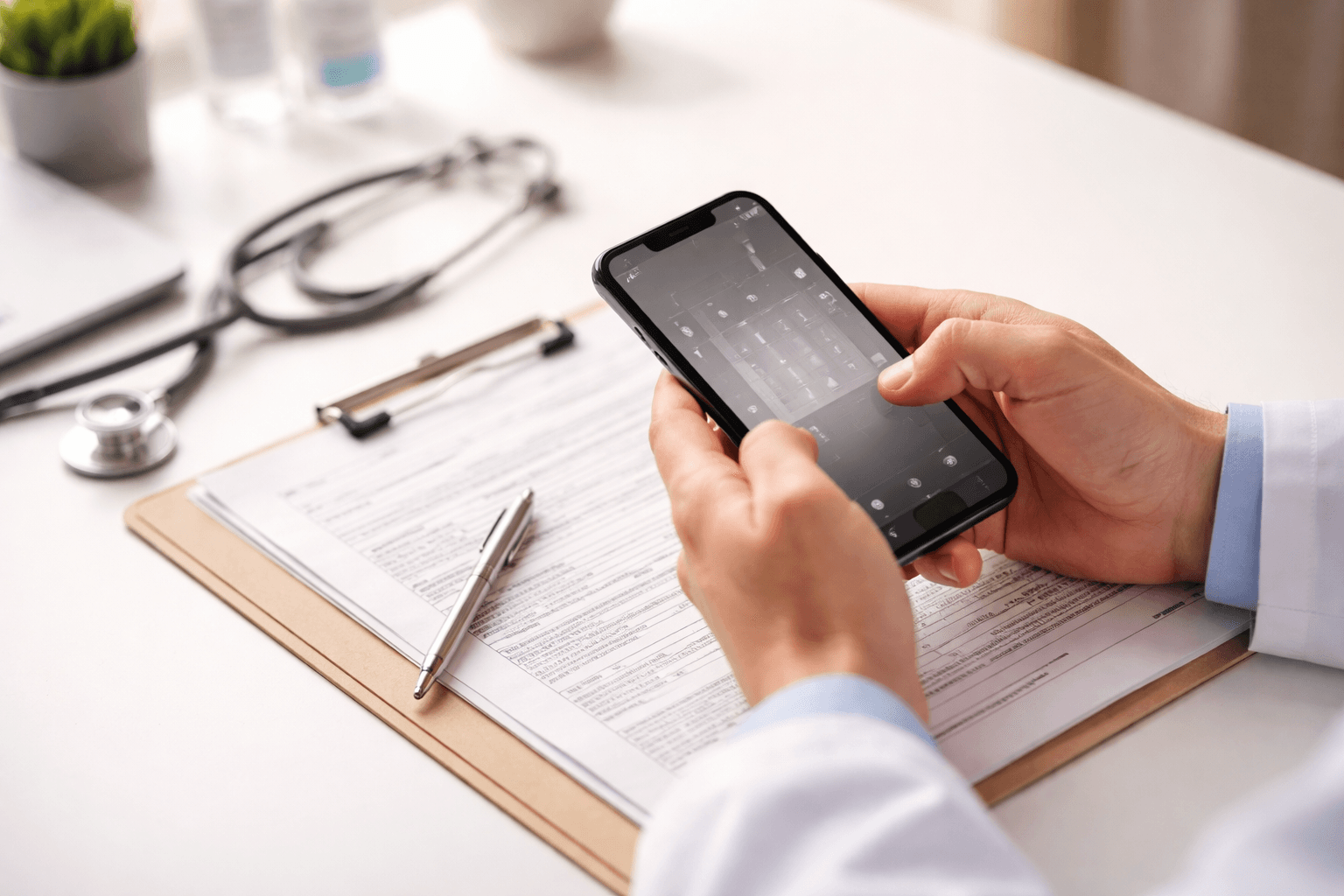
Your smartphone is already a medical scanner. You just need the right app.
Yes — you can digitize years of paper patient records using only your smartphone. The process takes 30 to 60 seconds per file, requires no scanner, no IT support, and no upfront hardware cost. You do not need to migrate everything before you start — you digitize one patient at a time, as they come in for consultations.
What you will learn in this article:
- Why doctors in developing countries are still stuck on paper — and what it costs daily
- The progressive migration method: go digital one patient visit at a time
- The 4 capabilities that actually matter in a mobile medical records app
- How doctoLys handles paper migration from the very first consultation
Medical Insight
When I was working in maternity hospitals in Tunisia between 2012 and 2016, I watched critical patient files disappear between departments. A woman would arrive for her follow-up and her previous ultrasound reports simply could not be found. We were making clinical decisions without complete information — not because the data did not exist, but because the paper system had swallowed it.
Why paper patient records are still the norm in developing countries
The assumption in most digital health conversations is that paper records are a problem of the past. For millions of doctors across Africa, the Middle East, South Asia, and Latin America, paper is still the present.
This is not a technology problem. It is an accessibility problem.
A 2024 systematic review published in Digital Health confirmed that EMR adoption in African developing countries remains in its early stages — most clinicians still forced to rely on paper-based methods due to the unavailability of accessible, affordable digital alternatives. A key barrier identified: physicians reported difficulty using EMR systems because of their inability to type while talking with patients. This is a problem no amount of training solves — it requires a fundamentally different approach to data entry.
In an analysis of why mobile-first design is critical for clinical adoption, we established that the smartphone is the right platform for medical records in developing countries. This article goes one step further: here is exactly how to migrate your existing paper archives to digital — one patient at a time.
The real daily cost of staying on paper
Before looking at solutions, it is worth being honest about what paper records are costing you every single day.
Time. Finding a file, locating the right page, deciphering handwriting from three years ago — this adds up to 30 to 60 minutes of lost clinical time per day. For a doctor already managing too many patients with too few hours, that is not a minor inconvenience.
Continuity of care. A 2025 study in Discover Applied Sciences confirmed what most practitioners already know: paper-based systems are systematically prone to transcription errors, time-consuming retrieval, and significant risks of physical damage or loss — all affecting clinical decision-making directly.
Mobility. Your records are physically tied to one location. If you consult at multiple sites or need to check a patient's history from outside the office, you are stuck.
Scalability. Paper does not grow with your practice. Every new patient adds to a physical archive that becomes harder to manage, search, and maintain over time.
Medical Insight
I remember a consultation where a patient arrived with a folder so worn and water-damaged that I could barely read her medication history. She had been coming to the same practice for eight years. Eight years of clinical data, barely legible. That day, I made a decision: whatever it took, my own practice would never work this way.
How to digitize paper medical records without a scanner — the progressive migration method
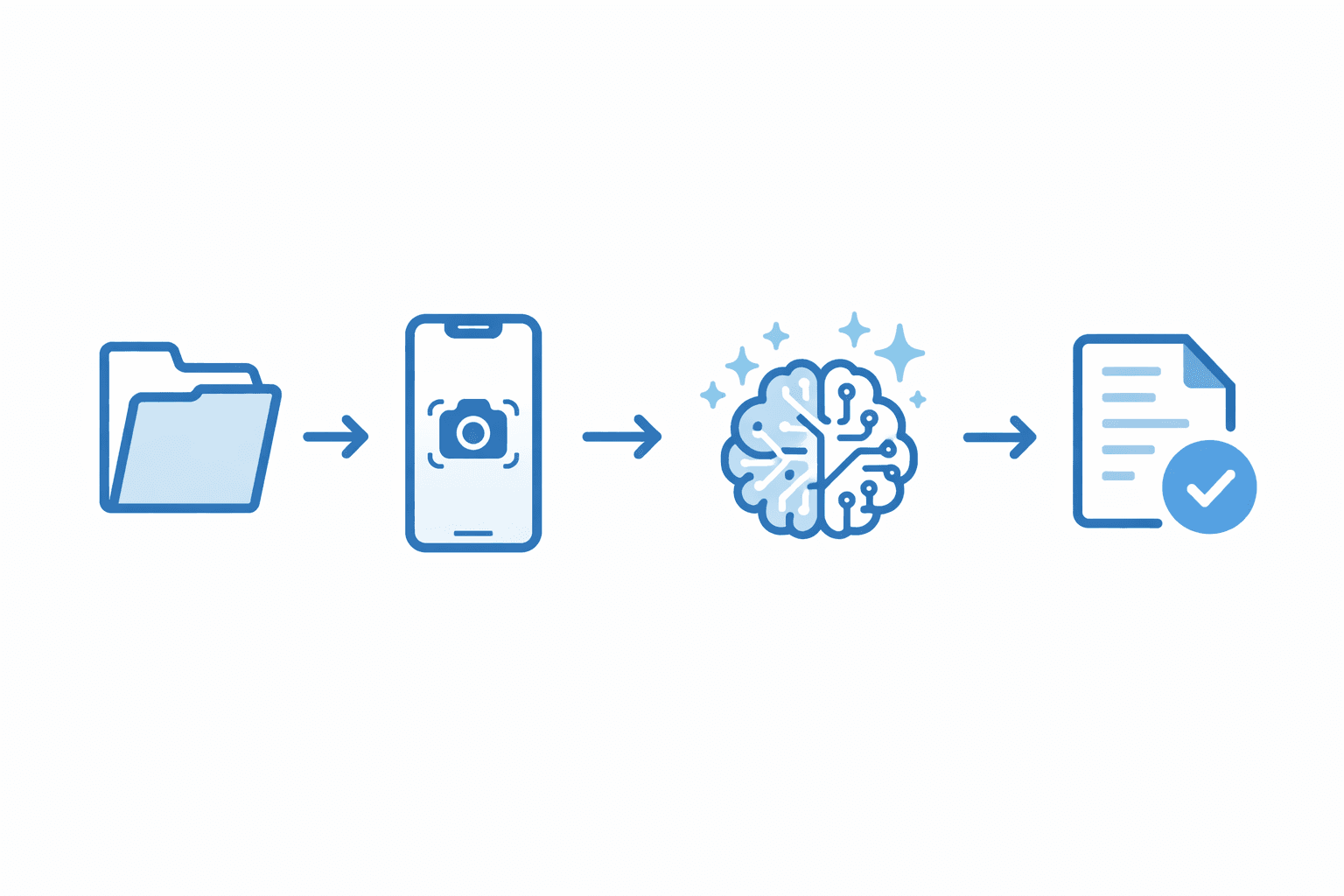
Progressive migration: one patient at a time, your paper archives become fully digital within months.
The key insight is this: you do not need to digitize everything before you start. That mental model — migrate everything first, then begin — is what paralyzes most doctors.
The approach that actually works is progressive migration. You digitize as patients come in, one visit at a time.
Step 1 — Patient arrives. Pull their paper file as you normally would.
Step 2 — Photograph the records. Open the app, tap the scan button, photograph the relevant pages. This takes 30 to 60 seconds.
Step 3 — AI processes the images. The AI reads the photographed documents, extracts the medical information — diagnoses, medications, test results, dates — and structures it automatically into the patient's digital record.
Step 4 — File is digital from this point forward. The next time this patient visits, you open their record on your phone. You never touch their paper file again.
Within three to six months, the large majority of your active patients will have fully digital records. Your paper archives become a historical backup rather than a daily obstacle.
| Feature | Paper records | doctoLys on your phone |
|---|---|---|
| File retrieval | 2-5 minutes searching folders | Under 2 seconds on any device |
| Risk of loss | Fire, flood, misfiling — permanent loss | Encrypted cloud backup — always safe |
| Migration effort | No migration needed — but no future either | 30-60 seconds per file, progressively |
| Mobility | Tied to one physical location | Accessible anywhere on 4G |
| Searchability | Manual search through folders | Any information found instantly |
4 non-negotiable capabilities in a mobile medical records app
Not all apps handle paper migration well. Having evaluated and eventually built my own solution, here are the four capabilities that actually matter:
1. AI extraction, not just image storage. Photographing a document and saving it as a JPEG is not digitization — it is a digital photo. You need an app that reads the content, understands the medical context, and structures the information into searchable fields.
2. Designed to work from a smartphone. If the migration workflow requires a computer, you will never do it consistently. The entire process must happen on your phone, between consultations, with no additional hardware.
3. No country-specific dependencies. Many tools are built around US insurance billing codes or European regulatory frameworks. If your practice is outside those markets, these tools either do not work or require constant workarounds. The app must work anywhere, without configuration.
4. Self-onboarding with zero IT setup. In many developing countries, no IT support is available to a solo practitioner. The app must be downloadable and fully operational within minutes — no sales call, no training session, no consultant.
When I could not find a solution meeting all four criteria, I built one. doctoLys was designed from the beginning around the reality of practices like mine: no IT team, no scanner, no broadband requirement, and years of existing paper archives that needed a migration path.
Practical steps to go paperless starting with your next consultation
You do not need a plan, a weekend, or a migration project. Here is how to start today:
- Download doctoLys on your phone — setup takes less than 5 minutes, no demo or sales call required
- Open a new digital file for your next patient and start the consultation digitally
- For returning patients with paper records, photograph their file before or after the consultation
- Repeat for every patient visit — within 3 to 6 months, 80%+ of your active patients will be fully digital
- Your paper archives remain as physical backup — nothing needs to be destroyed or discarded
Frequently Asked Questions
Do I need to scan all my paper records before I can start using doctoLys?
No. Start immediately with new patients and scan existing paper records progressively as patients come in for visits. Within 3-6 months, the majority of your active patients will be fully digital.
What if my internet connection is slow or unstable?
doctoLys is optimized for low-bandwidth environments and works on standard 4G or 5G. It was built for doctors practicing in regions where broadband is not guaranteed.
Does doctoLys work in my country?
Yes. doctoLys has no country-specific dependencies — no local billing codes, no regional compliance requirements that block access. It works for any doctor, in any country, in any specialty.
What happens to my paper records after I digitize them?
They remain as your physical backup. Your digital records become the primary working copy, and paper archives serve as historical reference if ever needed.
How long does the initial setup take?
Less than 5 minutes. Download the app, create your account, and start your first consultation. No demo, no sales call, no IT involvement required.
Go paperless from your next consultation
doctoLys digitizes your paper records in 60 seconds. Start free today.
Written by Dr. Sadok Derouich, a practicing gynecologist since 2012, digital health entrepreneur, and CEO of doctoLys — the AI medical office app built for doctors worldwide.
Further reading
March 15, 2026
Can a mobile-first app solve the EMR adoption crisis in developing countries?
Why the smartphone is the bridge that PC-based EMRs never built — and what a truly mobile-first medical office app looks like.
March 13, 2026
Why most EMR software fails outside the US and Europe
The market was built for Western doctors. Here is why that excludes most of the world — and what the data shows about adoption failure rates.

About the Author
Dr. Sadok DerouichDr. Sadok Derouich is a practicing gynecologist since 2012, digital health entrepreneur, and CEO of Doctolys — the AI medical office app built for doctors worldwide.
View Derouich's profile →Stay Updated
Get the latest insights on AI in medicine delivered to your inbox.